llama.cpp on Raspberry Pi 5: Local LLM Setup Guide
Setting up Llama.cpp on your Raspberry Pi 5 gives you an offline AI chatbot with no cloud required. This guide walks you through each install step and setup command.

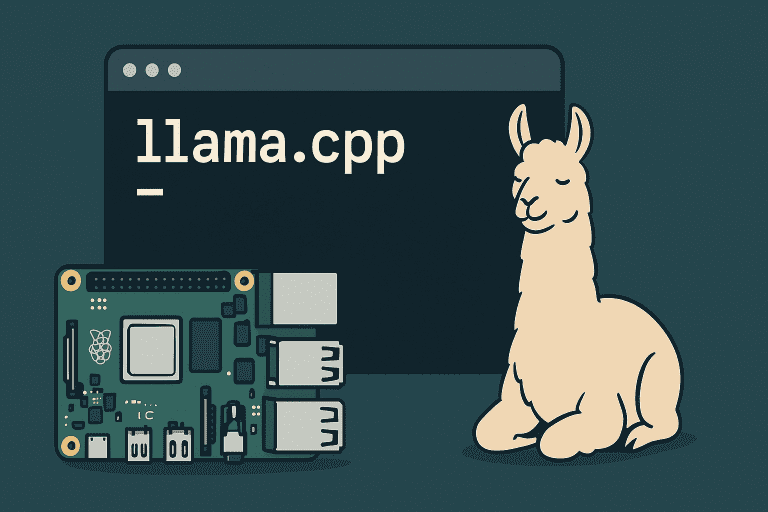
Setting up Llama.cpp on your Raspberry Pi 5 gives you an offline AI chatbot with no cloud required. This guide walks you through each install step and setup command.
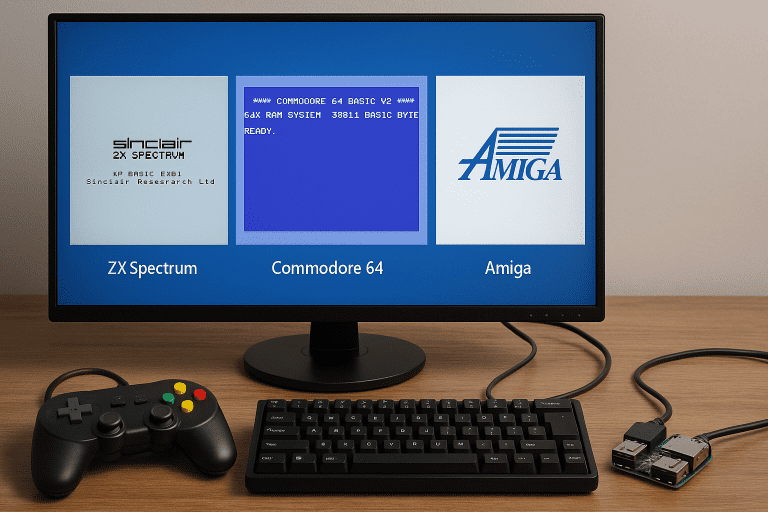
Want to emulate the ZX Spectrum, Commodore 64, or Amiga on a Raspberry Pi? This guide walks you through everything from emulator selection to ROM setup so you can start gaming fast.
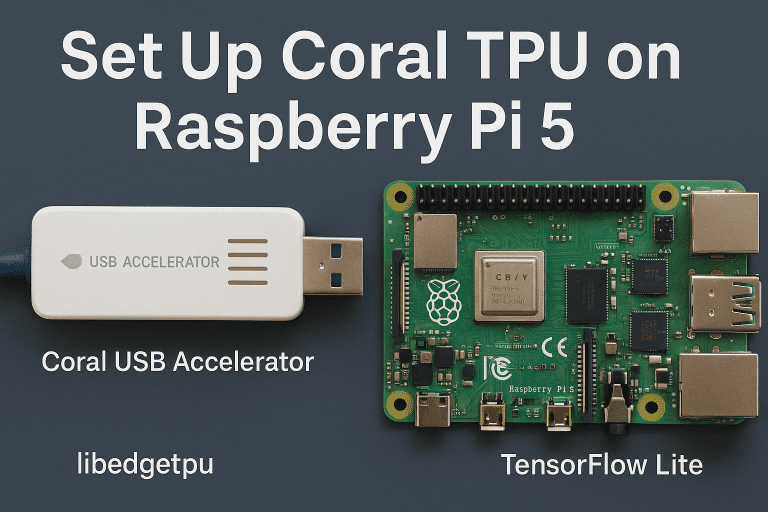
This guide walks you through setting up the Coral USB Accelerator on Raspberry Pi 5, installing libedgetpu drivers, and testing inference with TensorFlow Lite.
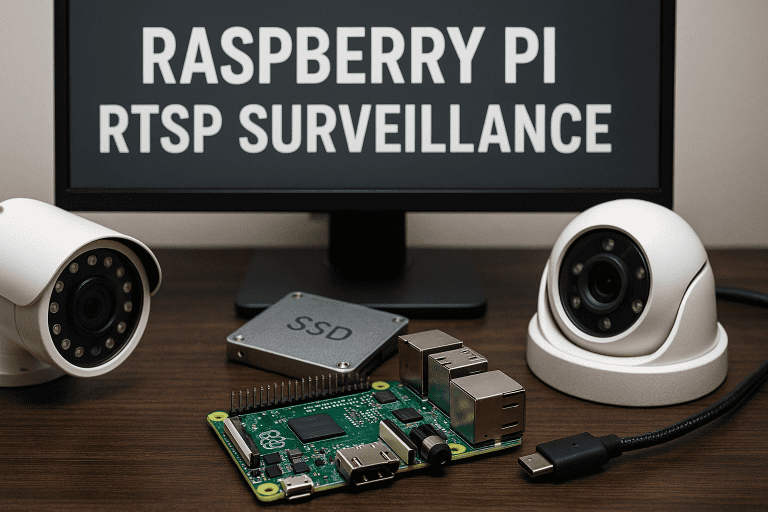
Set up a full‑featured RTSP surveillance system on a Raspberry Pi. This guide shows how to stream multiple IP cameras, enable motion detection, store video locally, and view live feeds — no Windows license needed.
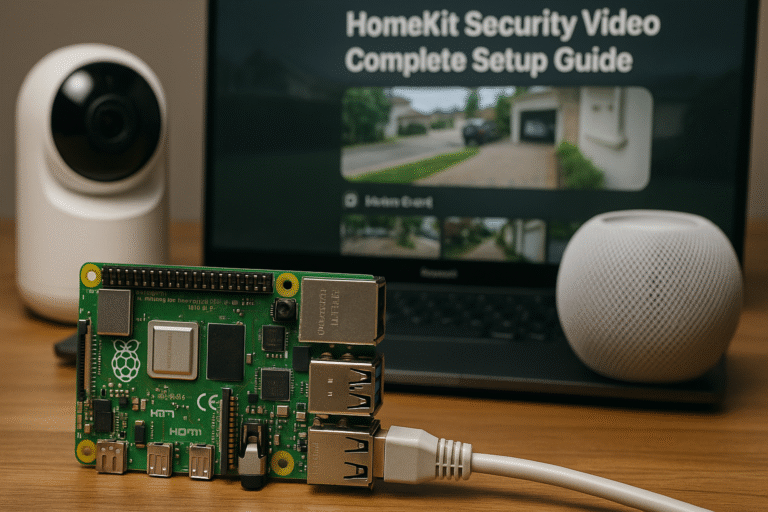
Scrypted Raspberry Pi HomeKit setup bridges your existing IP cameras and NVR into Apple HomeKit Secure Video without replacing any hardware. Scrypted runs in Docker on the Pi, pulls RTSP or ONVIF streams from your cameras or NVR, converts them to H.264, and presents each camera to HomeKit as a native accessory. Your NVR continues…
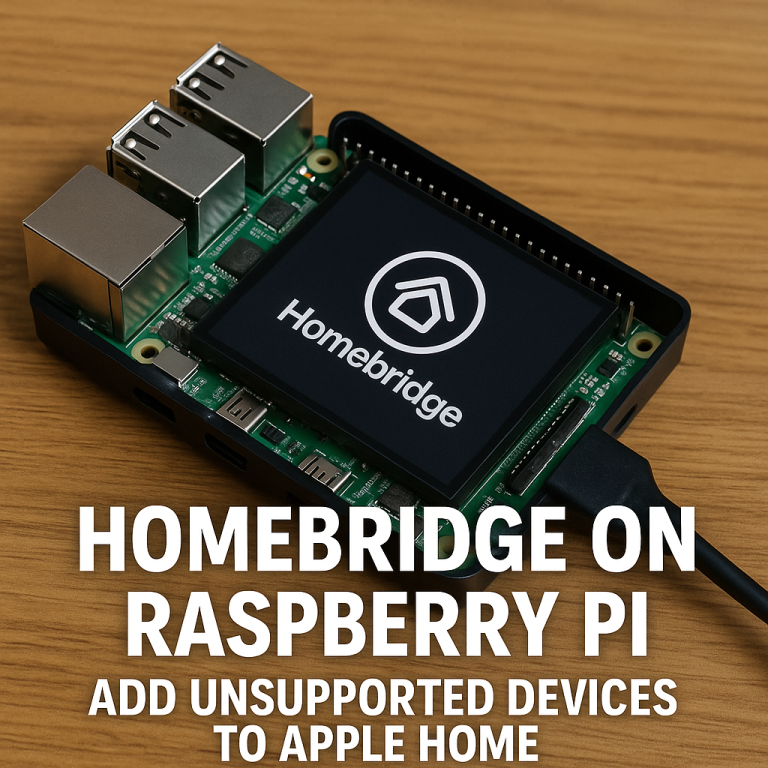
Run Homebridge on Raspberry Pi to add non-HomeKit smart devices to Apple Home without replacing existing hardware. Homebridge is a Node.js server that emulates a HomeKit accessory hub. Plugins translate each device’s native API into HomeKit commands. The Homebridge Config UI runs in a browser on port 8581 and handles plugin installation, configuration, and log…
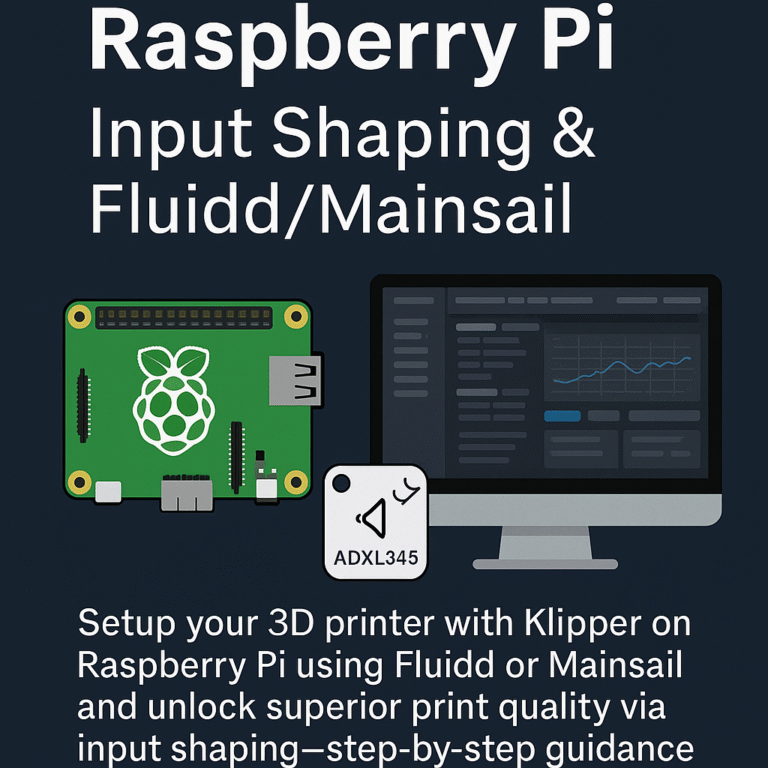
Klipper on Raspberry Pi with input shaping moves 3D printer motion planning from the printer’s microcontroller to the Pi, then uses an ADXL345 accelerometer to measure and compensate for the printer’s resonant frequencies. The result is faster print speeds without ringing or ghosting artefacts on printed surfaces. This guide covers installing the full Klipper stack…
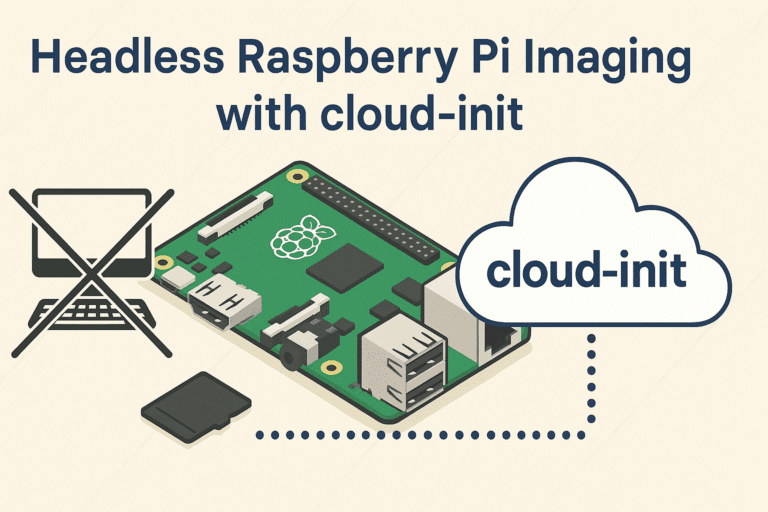
This guide shows how to automate headless Raspberry Pi imaging using cloud-init, including setting up SSH, Wi-Fi, user accounts, and first boot scripts.
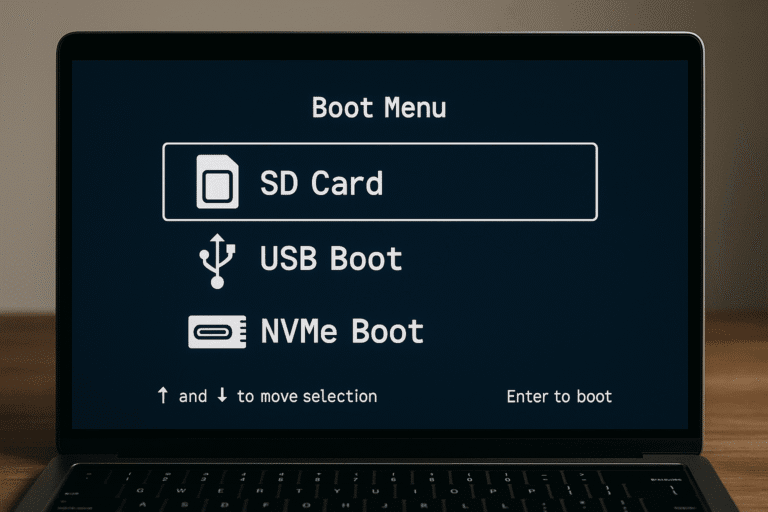
The Raspberry Pi 5 supports booting from SD card, USB, and NVMe drives. This guide walks you through setting up a reliable multiboot environment, configuring EEPROM, and managing OS images.